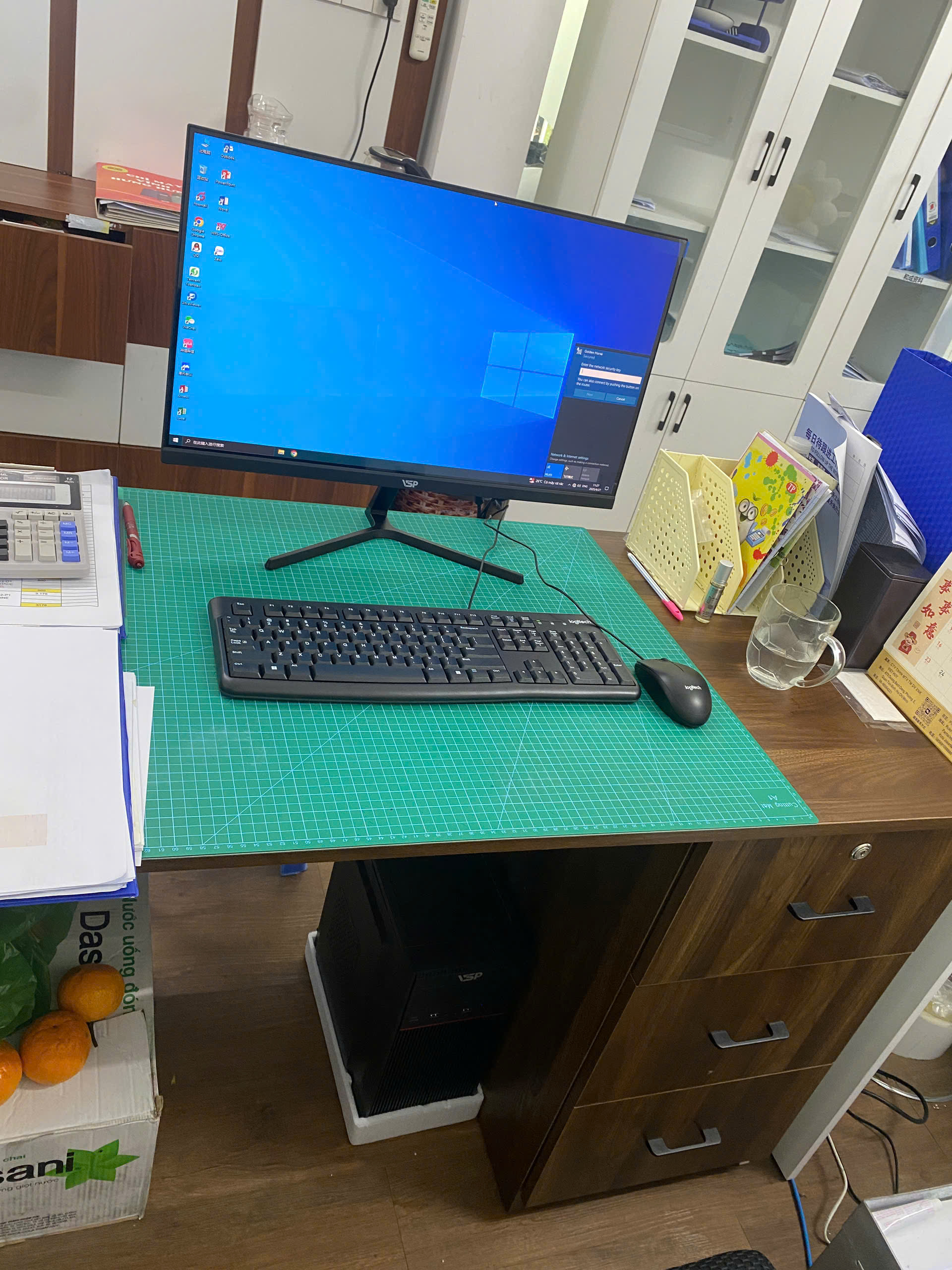

Office desktop: choose the right one | TGS
Looking for the right office desktop? See how to choose CPU, RAM, SSD, screen and actual budget from TGS. TGS suggests configuration according to budget and actual needs.
Read details →Summary of articles about RAM, dual channel, DDR4, DDR5, memory capacity and reasonable way to upgrade RAM.
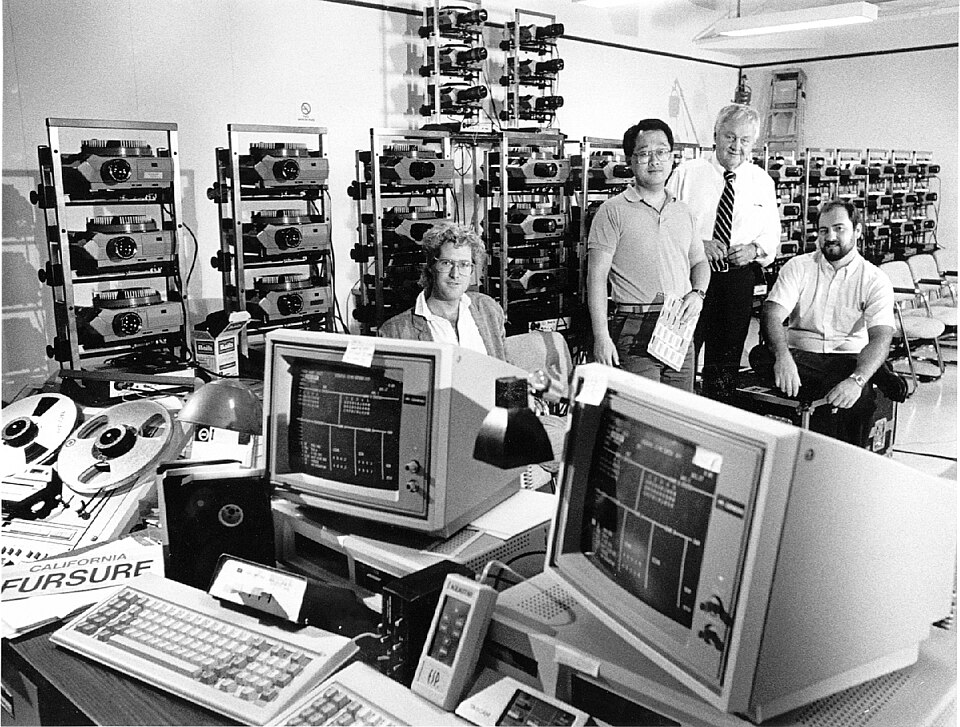
Looking for the right office desktop? See how to choose CPU, RAM, SSD, screen and actual budget from TGS. TGS suggests configuration according to budget and actual needs.
Read details →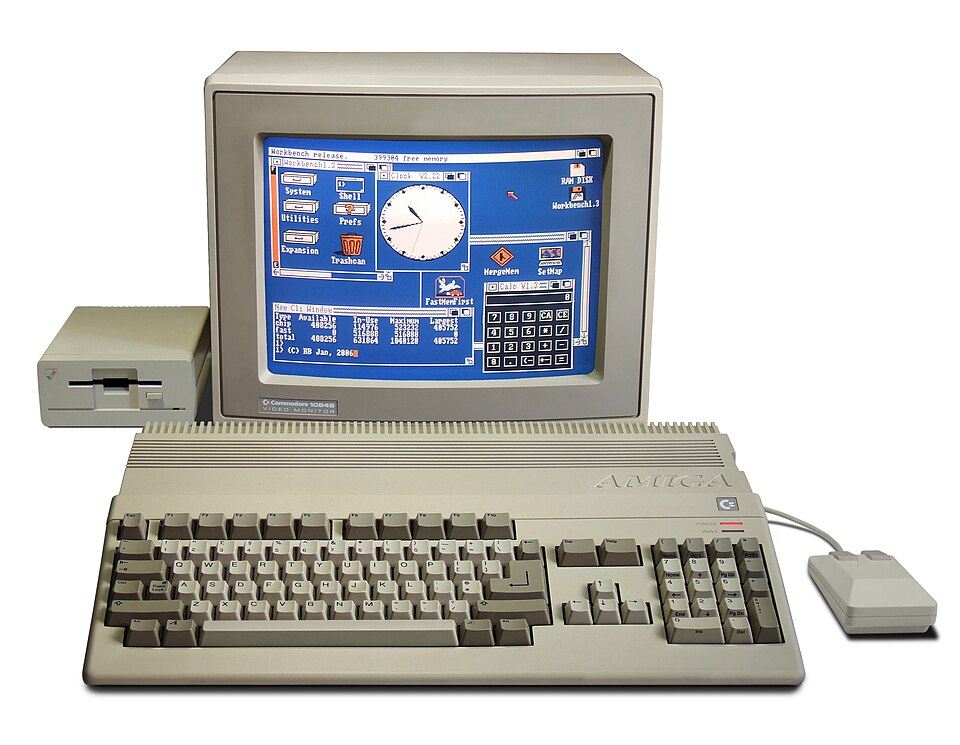
Consulting on choosing an easy-to-understand office computer, priority RAM, SSD, CPU and suitable price. See configuration suggestions from TGS. Contact TGS for advice on appropriate configuration.
Read details →
RAM is a place to temporarily store data to keep the device running smoothly. The article explains what RAM is, how many GB should be used, and when to upgrade.
Read details →
The mainboard is the connection platform CPU, RAM, SSD, graphics card and all communication ports. Choosing the wrong motherboard can limit the upgrade path.
Read details →
VRAM is the graphics card's own memory. Understanding VRAM helps you choose the right GPU for games, graphics, AI and multiple monitors.
Read details →
Cache CPU is a super fast cache memory located near the processor core. Cache capacity affects data access speed and actual performance.
Read details →
Dual channel provides better memory bandwidth when RAM is installed properly. The article analyzes the actual difference and when to prioritize 2 bars RAM.
Read details →
DDR4 and DDR5 differ in bandwidth, voltage, platform and cost. This article helps you decide whether to stay at DDR4 or move to DDR5.
Read details →
PC graphics don't always require the most expensive card. This article helps you balance CPU, RAM, SSD, GPU and the screen according to the correct software.
Read details →
Knowing how to read the configuration helps you avoid buying a computer based on vague advertising. The article guides you to read CPU, RAM, SSD, graphics card and power in a simple way.
Read details →
Checking RAM helps you know what type the computer is using, how much capacity, which slot is free and whether there is a memory error or not.
Read details →
A computer that is missing RAM often has very clear signs: opening tabs slowly, switching applications jerky, the computer freezes when meeting online or opening large files. This is early recognition.
Read details →
FPS is the number of frames per second. But high FPS is not necessarily smooth if you do not understand the low 1%, frametime and screen limitations.
Read details →
Online learning and remote working need a stable device, webcam, mic, SSD fast and RAM enough to use. This article helps you choose the correct configuration.
Read details →
Photoshop needs CPU, RAM, SSD and sometimes GPU in a balanced ratio. This article helps you choose a machine that runs Photoshop smoothly and within your budget.
Read details →
AutoCAD has its own characteristics about CPU, RAM, SSD and GPU. This article helps choose the right machine for 2D, 3D drawings and actual technical needs.
Read details →
Premiere requires CPU, RAM, SSD and GPU to coordinate very closely. This article helps you choose a video editing machine that has smooth, lag-free previews and time-saving rendering.
Read details →
Newbies building PC often make mistakes in socket, power, airflow, BIOS, RAM and upgrade paths. This article summarizes the most common errors and how to avoid them.
Read details →
The appropriate RAM capacity depends on the number of tabs, software and how long you plan to use the device. This article helps close the most reasonable level of RAM.
Read details →
A slow computer after a while is not always due to old age. This article guides you to check RAM, SSD, temperature, background software and hard drive.
Read details →
Not all old machines should be kept and upgraded. This article helps you quickly calculate whether you should replace SSD, RAM, CPU or switch to a new device completely.
Read details →
Computers for teachers should prioritize cameras, microphones, SSD, RAM enough to use and the ability to open multiple documents at the same time. This is the most reasonable configuration.
Read details →
Devices for streamers need to balance between playing games, encoding videos and running background software. This article helps you build the right configuration from the beginning.
Read details →
The computer for programmers needs to be stable, RAM enough, SSD fast and sometimes multi-core CPU if running multiple environments. Not everyone who codes needs a strong GPU.
Read details →