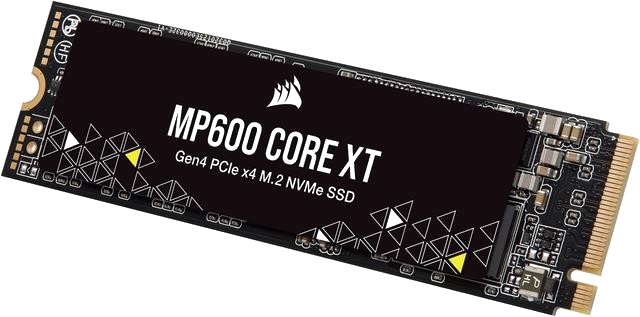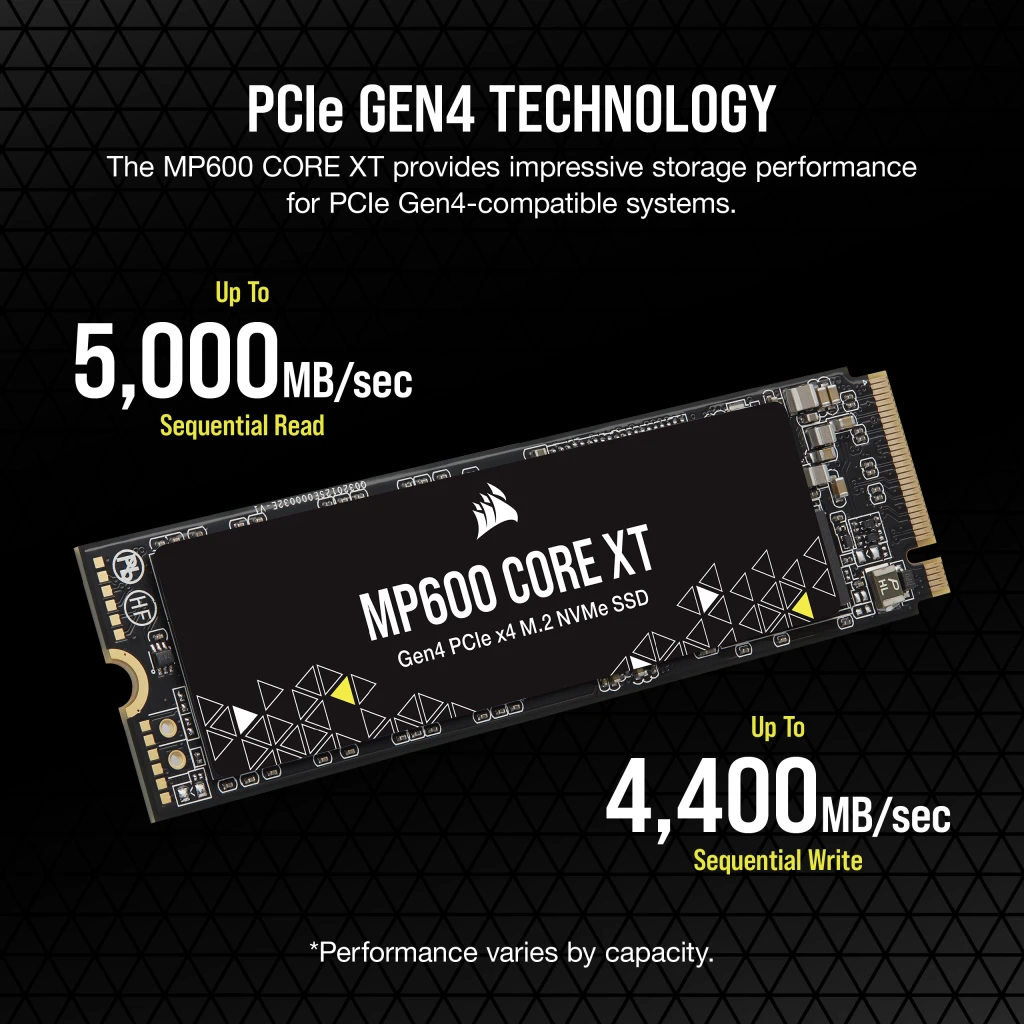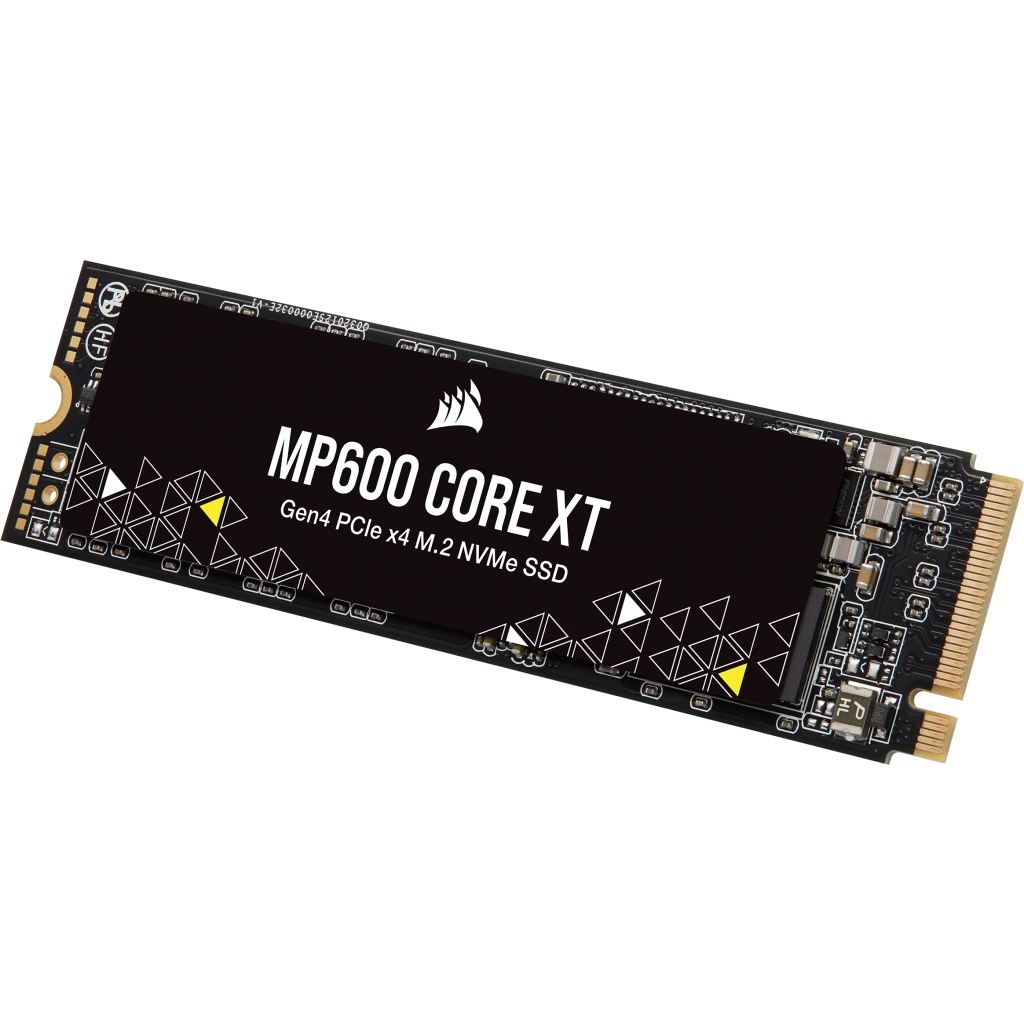

What is SSD? Why SSD makes your computer faster from the first turn on
SSD helps your computer boot quickly, open software quickly and significantly reduce waiting. This is the most valuable upgrade for many machines.
Read details →Cluster of articles about SSD, HDD, NVMe, SATA, data storage, read and write speed and how to choose a hard drive according to needs.
SSD helps your computer boot quickly, open software quickly and significantly reduce waiting. This is the most valuable upgrade for many machines.
Read details →HDD is slower than SSD but still has value in large capacity storage problems. This article helps you know when your HDD is still worth using.
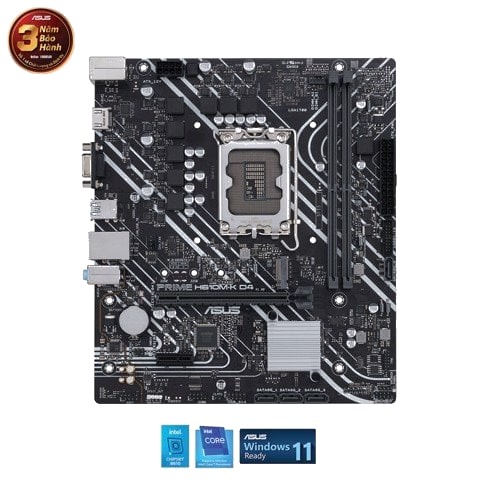
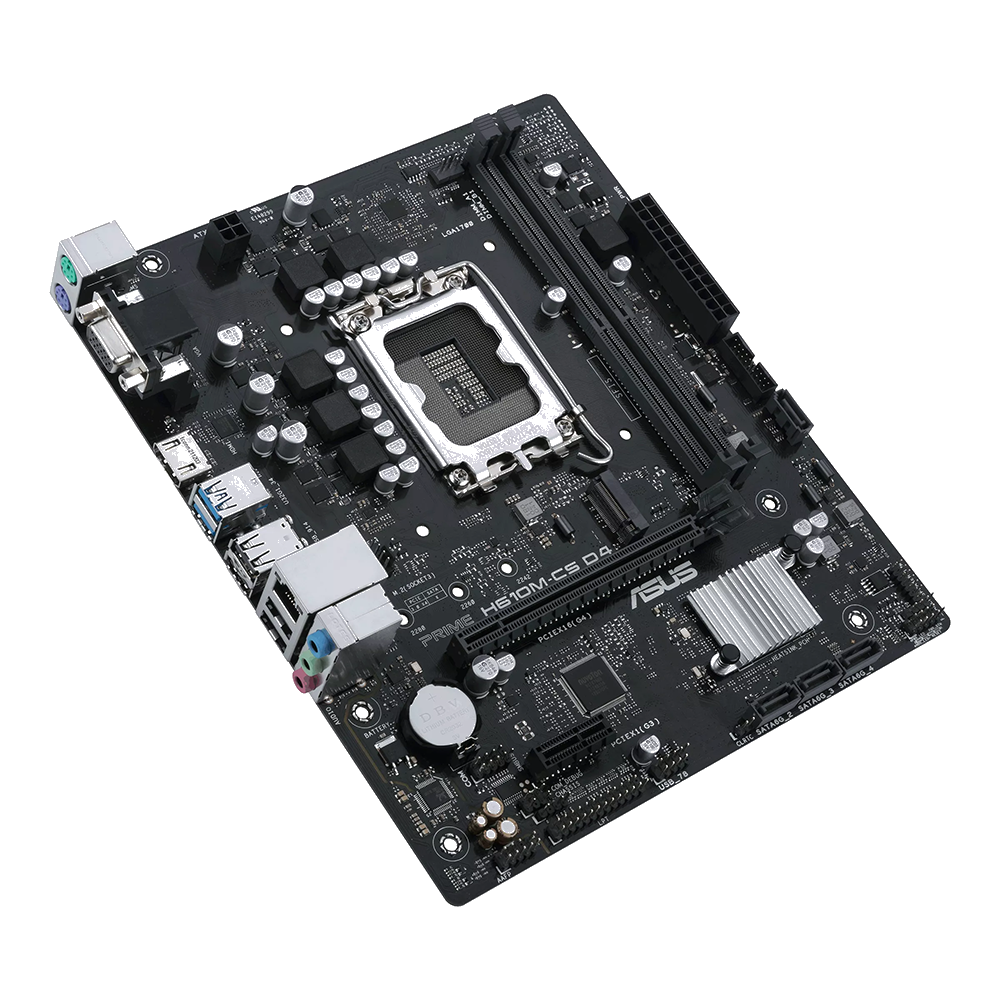
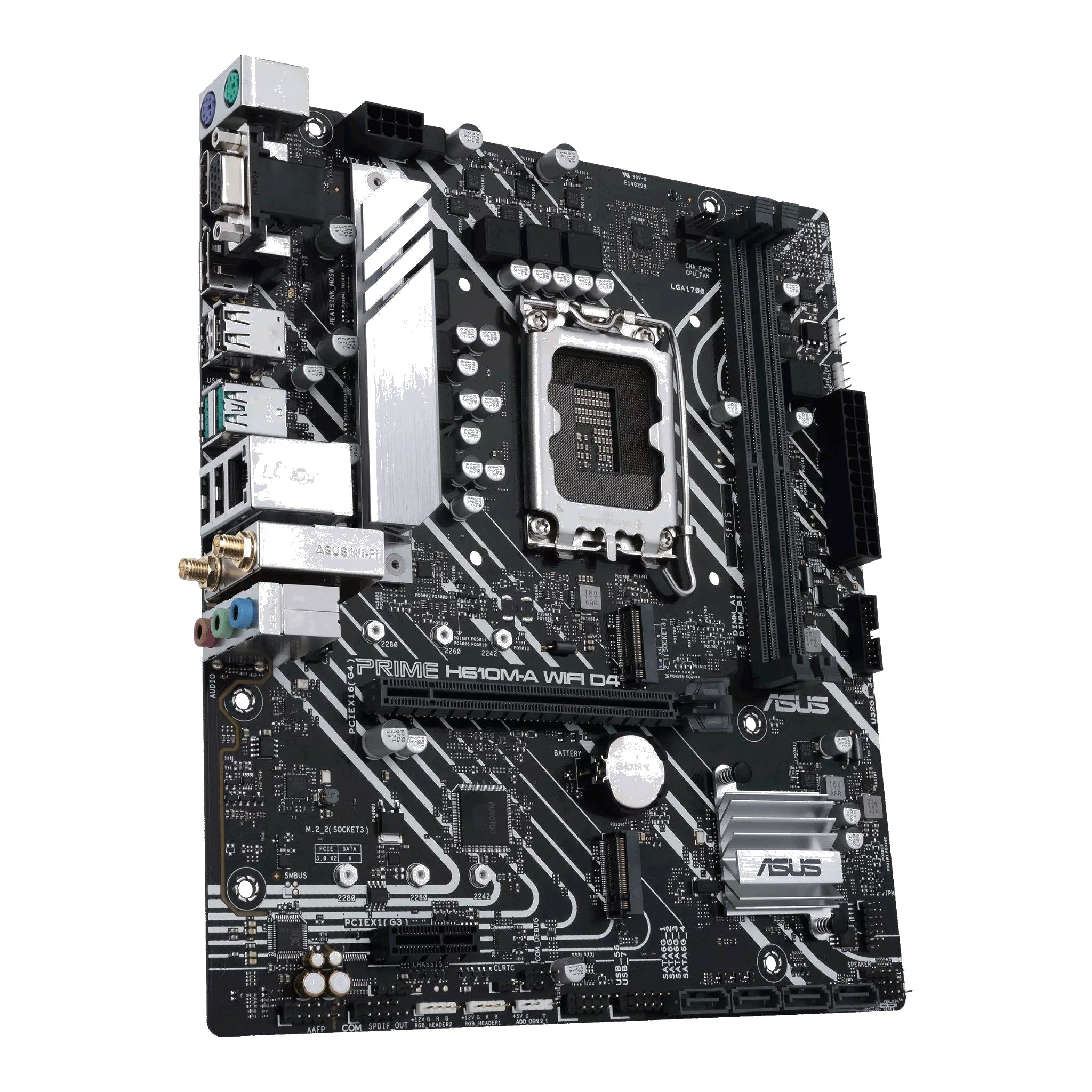
Read details →Mainboard is the foundation that connects CPU, RAM, SSD, graphics card and all communication ports. Choosing the wrong motherboard can limit the upgrade path.
Read details →PC graphics don't always require the most expensive card. This article helps you balance CPU, RAM, SSD, GPU and the screen according to the correct software.
Read details →Knowing how to read the configuration helps you avoid buying a device based on vague advertising. The article guides you to read CPU, RAM, SSD, graphics card and power in a simple way.
Read details →
Capacity SSD should be chosen according to the software, games and data you actually use. This article helps quickly calculate the appropriate capacity and avoid under-buying.
Read details →A slow machine is not always due to CPU. In many cases, just raising SSD is enough for the machine to transform. These are the most notable signs.
Read details →Buying a used PC can be very profitable if you know how to check it properly. Here is a checklist of hardware, temperature, SSD, power, cleaning, documentation and benchmark.
Read details →Studying online and working remotely requires a stable device, webcam, mic, SSD fast and RAM enough to use. This article helps you choose the correct configuration.
Read details →Photoshop needs CPU, RAM, SSD and sometimes GPU in a balanced ratio. This article helps you choose a machine that runs Photoshop smoothly and within your budget.
Read details →AutoCAD has its own characteristics about CPU, RAM, SSD and GPU. This article helps choose the right machine for 2D, 3D drawings and real engineering needs international.
Read details →Premiere requires CPU, RAM, SSD and GPU to coordinate very closely. This article helps you choose a video editing machine that has smooth, lag-free previews and time-saving rendering.
Read details →SSD makes the computer start up quickly, open files quickly and significantly reduce stalling. The article explains with practical experience, not too technical.
Read details →SSD SATA and SSD NVMe differ in communication, speed and cost. This article helps you know when you need NVMe and when SATA is enough.
Read details →A slow computer after a while is not always due to old age. This article guides you through checking RAM, SSD, temperature, background software, and hard drive.
Read details →Not all old machines should be upgraded. This article helps you quickly calculate whether you should replace SSD, RAM, CPU or switch to a new device completely.
Read details →Computers for teachers should prioritize cameras, microphones, SSD, RAM enough to use and the ability to open multiple documents at the same time. This is the most reasonable configuration.
Read details →Programmers need to be stable, RAM enough, SSD fast and sometimes have multiple CPU cores if running multiple environments. Not everyone who codes needs a strong GPU.
Read details →
Many office machines are still sold with configurations that are too tight. This article explains why SSD and 16GB RAM are the landmarks that should be available for more comfortable use.
Read details →Machines for stores need to be durable, have many connection ports, SSD fast and enough RAM to open sales software, camera and printing at the same time.
Read details →Old machines are still a good choice if the configuration is transparent, SSD is stable, the power is stable and there is an upgrade path. This is an assessment from a pragmatic perspective.
Read details →